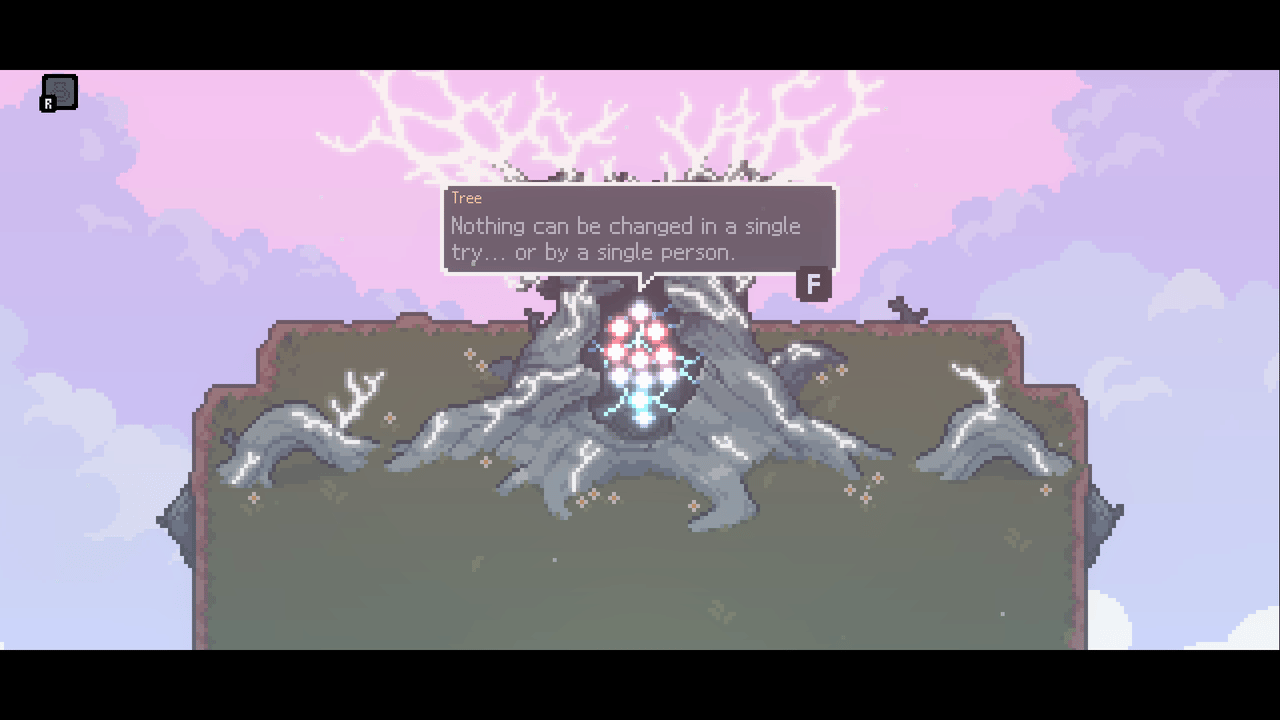
The inventory grid is Sephiria's defining mechanic. Unlike traditional inventory systems where items just sit in slots, artifacts in Sephiria have physical shapes that must fit together like puzzle pieces on a grid.
How the Grid Works
- Your bag has a fixed grid (expandable via Destiny Inscriptions)
- Each artifact occupies specific cells based on its shape
- Tablets also occupy grid space and upgrade nearby artifacts
- You can rotate shapes with Q/E keys
- The side bag stores overflow items
Advertisement
Artifact Shapes
Artifacts come in various shapes — 1x1, 1x2, 2x2, L-shaped, T-shaped, and more. Larger artifacts have stronger effects but are harder to place efficiently.
Combo System
When artifacts with compatible effects are placed adjacent to each other, they trigger combo bonuses. Known combos include:
| Combo | Trigger | Effect |
|---|---|---|
| Embers | Fire-type artifacts adjacent | Fire damage amplification |
| Magitech | Elemental conversion items | Conversion efficiency boost |
| Curse | Debuff-type artifacts | Enemy damage taken increase |
| Sturdy | Defense-type artifacts | Damage reduction |
| Wind Song | Mobility artifacts | Speed and evasion |
| Companion | Summon artifacts | Companion stat boost |
For detailed artifact data, see our Artifact Database. For tablet strategies, see our Tablet Placement Guide.
Advertisement
Game data sourced from community gameplay and wikis. Game images © TEAM HORAY. Used under fair use.